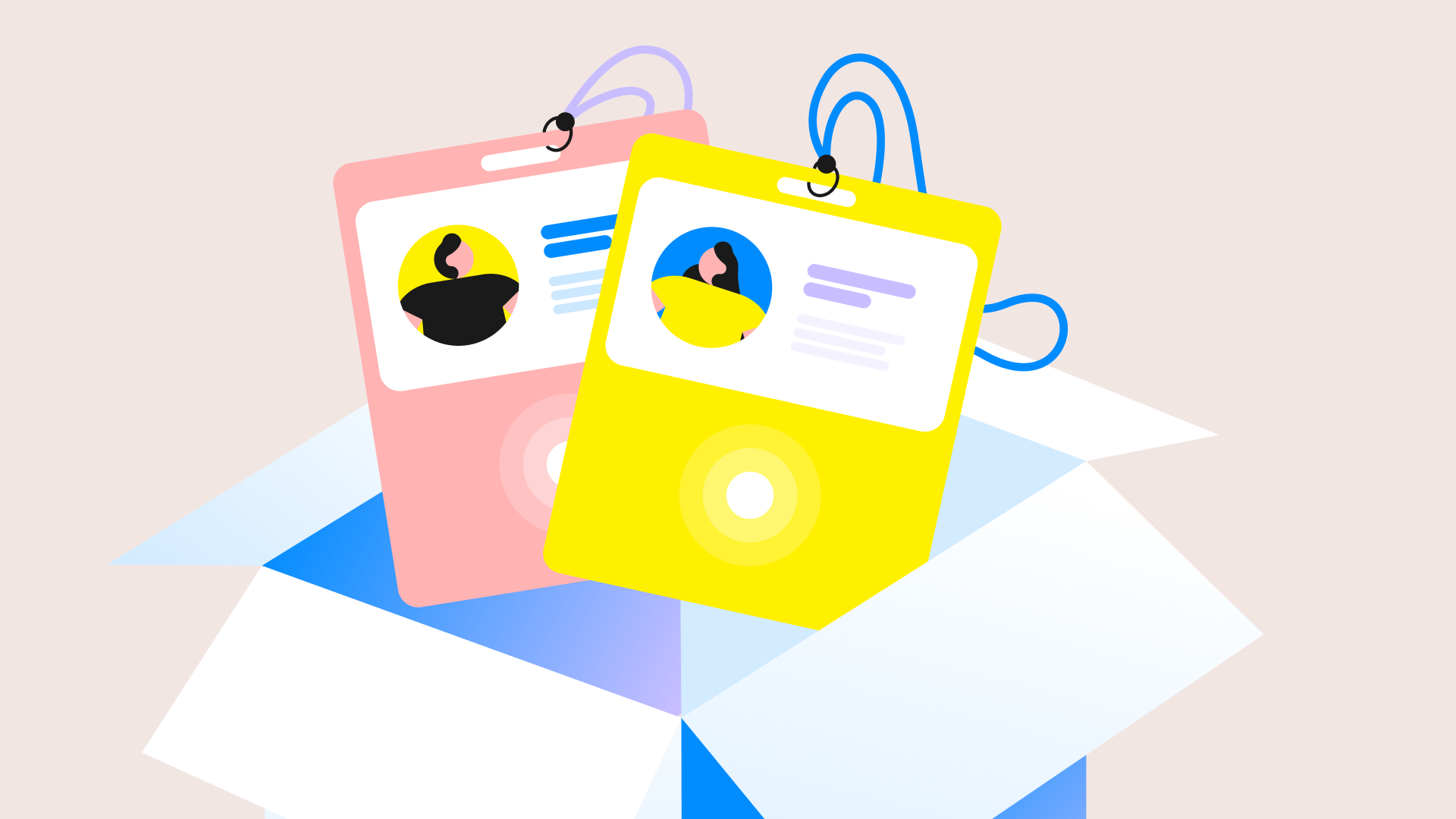

Klik Box is a new self-serve onsite kit from Bizzabo that brings Klik SmartBadge™ engagement, including contact exchange, session scanning, gamification, and touchpoints, to in-person events like roadshows, regional meetups, or user groups.
Key takeaways
- Klik Box is built for existing Bizzabo customers who want Klik-level engagement at roadshows, regional meetups, and user groups, without booking a fully managed deployment.
- Setup is DIY, guided by a step-by-step guide and remote support through the Klik Box Tour, so there's no new platform to learn.
- Klik Box sits between Bizzabox and fully managed Klik SmartBadge™: more engagement than a standard check-in kit, less overhead than a white-glove deployment.
- It requires an existing Bizzabo subscription and isn't available as a standalone product.
If you've ever wrapped up a regional meetup wishing it had felt as connected as your flagship conference, this one's for you.
Why don't smaller events get the same engagement technology as flagship conferences?
Enterprise event teams rarely run just one event a year. Between flagship conferences, regional roadshows, user groups, and internal gatherings, most programs are managing a portfolio, not a single moment. According to Bizzabo's 2026 State of Events Benchmark Report, high-performing event programs run an average of 25 events a year, and 45% of event teams operate with just one to three people. Budgets aren't loosening up to match that workload, either: 40% of organizers expect their events budget to stay flat in 2026, and another 20% expect it to shrink.
That combination, more events, leaner teams, tighter budgets, creates a real tension for smaller events on the calendar. A fully managed Klik SmartBadge deployment, complete with onsite technicians and white-glove support, tends to make the most sense for the flagship event on your calendar. A regional roadshow doesn't always call for that, though. Until now, that's often meant a more basic check-in experience for every event other than the big one, even when the team and attendees would notice the difference.
Introducing Klik Box
Klik Box gives existing Bizzabo customers a way to run a smaller event without settling for a smaller experience. It's the same Klik engagement your flagship event gets, right-sized for the events that might not have a contracted onsite team behind them.
Here's how it works. Klik Box ships directly to your venue with everything you need to run a connected, premium in-person event on your own: the Bizzabox kit, plus Klik SmartBadge wearables. Your team sets it up using a step-by-step guide, and you're ready to go for event day. Because it's built on the same Bizzabo foundation your team already uses, there's no new platform to learn.
It's designed specifically for the events that don't quite fit either end of Bizzabo's onsite spectrum: too big for a bare-bones check-in experience, too small (or too frequent) to justify a fully managed team. Think roadshows, regional meetups, and user groups, the kinds of events that make up the bulk of a distributed field marketing calendar.
What's included in Klik Box?
A Klik Box includes:
- Badge printing and check-in, powered by the same Bizzabox hardware your team already sets up today
- Klik SmartBadge wearables, which unlock contact exchange, session scanning, gamification, and touchpoints
- iPads and check-in equipment, ready to configure onsite
- A step-by-step setup guide, so your team can configure everything without onsite technicians
- Remote support through the Klik Box Tour, if you need a hand along the way
Lead retrieval is available as an add-on for teams that need it, the same way it works with Bizzabox and fully managed Klik today. On the reporting side, Klik Box includes a contact exchange report, a session check-in report, and a touchpoint report.
How Klik Box compares to Bizzabox and Klik
If you're trying to figure out which onsite option fits a given event on your calendar, here's how the three stack up:
| Bizzabox | Klik Box | Klik (managed) | |
| Best for | Up to 1,000 attendees | 100 to 500 attendees | 500+ attendees |
| Setup | DIY | DIY | Managed onsite |
| Support | Remote (Bizzabox Tour) | Remote (Klik Box Tour) | Onsite technician |
| Badge printing and check-in | Yes | Yes | Yes |
| Contact exchange | No | Yes | Yes |
| Session scanning | Yes | Yes | Yes |
| Gamification | No | Yes | Yes |
| Touchpoints | No | Yes | Yes |
| Lead retrieval | Add-on | Add-on | Add-on |
A quick way to think about it: if your team wants a fast, simple check-in without the engagement layer, Bizzabox is still the right call. If you want that Klik-level engagement on a smaller event and you're comfortable owning setup yourselves, that's exactly the gap Klik Box fills. And if you're running a large or flagship event that needs full white-glove support, managed Klik remains the option built for that scale.
Klik Box runs on the same Klik SmartBadge technology already used at events like REFRAME 2025, where Vimeo's team tracked session attendance at a one-day event and found engagement held up against multi-day programs. That's the same engagement layer now available in a self-serve format for smaller events.
Who is Klik Box for?
Klik Box is designed for event marketing managers and directors of events at organizations that already run on Bizzabo. It's a fit if you're:
- Running a portfolio of events that includes flagship conferences alongside smaller, more frequent programs, similar to the distributed event strategies that more field marketing teams are shifting toward
- Planning a roadshow, regional meetup, or user group where a basic check-in experience would undersell the event
- Comfortable with a self-serve setup, provided you have a clear guide and remote support to lean on
- Already using Bizzabo's platform (Klik Box requires an existing Bizzabo subscription and isn't available as a standalone product)
How enterprise teams execute this with Bizzabo
For a team running a multi-city roadshow or a recurring user group, here's what the Klik Box workflow looks like in practice:
- Order Klik Box for your event. Specify your dates and venue, and the kit ships directly to your location, no separate procurement process required.
- Set up onsite using the step-by-step guide. Your team configures the Bizzabox hardware and pairs the Klik wearables, all before doors open.
- Run the event with full Klik engagement. Attendees check in, exchange contacts, scan into sessions, and engage with gamified touchpoints, the same experience they'd get at your flagship event.
- Review your reports post-event. Pull the contact exchange, session check-in, and touchpoint reports to see how the event actually performed, then carry those insights into planning for the next stop on the onsite event operations side of your calendar.
Ready to bring Klik engagement to your next roadshow, regional meetup, or user group? Request a demo to see how Klik Box fits into your event portfolio.

Frequently asked questions about Klik Box
What is Klik Box? Klik Box is a self-serve, onsite kit from Bizzabo that brings the Klik SmartBadge engagement experience, including contact exchange, session scanning, gamification, and touchpoints, to in-person events with 100 to 500 attendees.
Who can use Klik Box? Klik Box is available to existing Bizzabo platform customers. It requires an active Bizzabo subscription and isn't available as a standalone product.
How is Klik Box different from Bizzabox? Bizzabox covers badge printing and check-in for events with up to 1,000 attendees. Klik Box builds on that same hardware and adds Klik SmartBadge wearables, unlocking contact exchange, gamification, and touchpoints for events with 100 to 500 attendees.
How is Klik Box different from fully managed Klik? Fully managed Klik includes onsite technicians and is built for events with 500 or more attendees. Klik Box uses the same underlying engagement technology in a self-serve format, with remote support instead of onsite staffing, for smaller events.
Does Klik Box include lead retrieval? Lead retrieval is available as an add-on, consistent with how it works across Bizzabo's other onsite options.
What support is available if we run into issues onsite? Teams using Klik Box have access to remote support through the Klik Box Tour, plus the step-by-step setup guide that ships with the kit.
Is Klik Box available now? Yes. Klik Box is available now to existing Bizzabo customers. Contact your Bizzabo account team or request a demo to get a kit for your next event.