
Events have become more complex. Agendas are denser, attendee expectations are higher, and event teams are expected to deliver more with the same or fewer resources.
At the same time, attendees expect instant answers. They want to know where to go, who to meet, and what to do next, without searching through menus or waiting in line at a support desk.
This is where AI copilots are starting to reshape the attendee experience.
Embedded directly within the event app, an AI copilot acts as a real-time guide, helping attendees navigate the event while reducing the operational burden on event teams. And with 95% of organizations expecting their use of AI in events to increase, this shift is happening quickly.
If you are already exploring how AI is reshaping the industry, this AI for events guide is a great place to start.
But building an effective AI copilot is not about turning on a feature. It depends on how well you structure and deliver the information behind it.
What you’ll learn
- What an event AI copilot actually does, and what it does not do
- Why knowledge base design determines AI performance
- 10 essential content types to include in your copilot
- How AI copilots help scale attendee support without increasing headcount
- How to measure success
Explore Bizzy AI in action
Before diving in, take a quick interactive tour to see how BizzyAI, Bizzabo’s attendee copilot in the mobile event app works inside a live event experience.
This walkthrough shows how attendees can ask questions, navigate the event, and get instant answers directly within the event app.
Why AI copilots matter now
Event teams are operating in what can best be described as an optimization era. Growth remains important, but success is increasingly defined by efficiency, consistency, and measurable outcomes.
Budgets are stabilizing, headcount is constrained, and teams are expected to deliver repeatable, high-quality experiences across event portfolios.
At the same time, attendee expectations continue to rise. Experiences need to feel intuitive, personalized, and frictionless.
This creates a clear operational challenge.
Support desks become bottlenecks. Staff spend time answering the same questions repeatedly. Information is scattered across apps, emails, and signage. Small moments of confusion compound into a fragmented attendee experience.
AI copilots address this gap.
They handle high-volume, repeatable questions in real time, provide consistent answers across the event, and give attendees a faster path to the information they need.
For event teams, that means less operational strain and more capacity to focus on high-impact interactions.
These shifts are part of broader changes in how event programs are designed and executed. You can see this reflected in recent thinking around executives’ perspectives on event strategy shifts shaping the industry, and in this article on the key insights from the 2026 event benchmarks report.
What an event AI copilot actually does
Before defining what to include in your copilot, it is important to understand what it is designed to do.
An event AI copilot is not a general-purpose assistant. It is a contextual, event-specific information layer powered by your event data and the content you provide.
Core capabilities
A well-implemented copilot helps attendees:
- Discover sessions and navigate the agenda
- Access speaker information
- Find attendees for networking, where enabled
- Check their personal meeting schedules
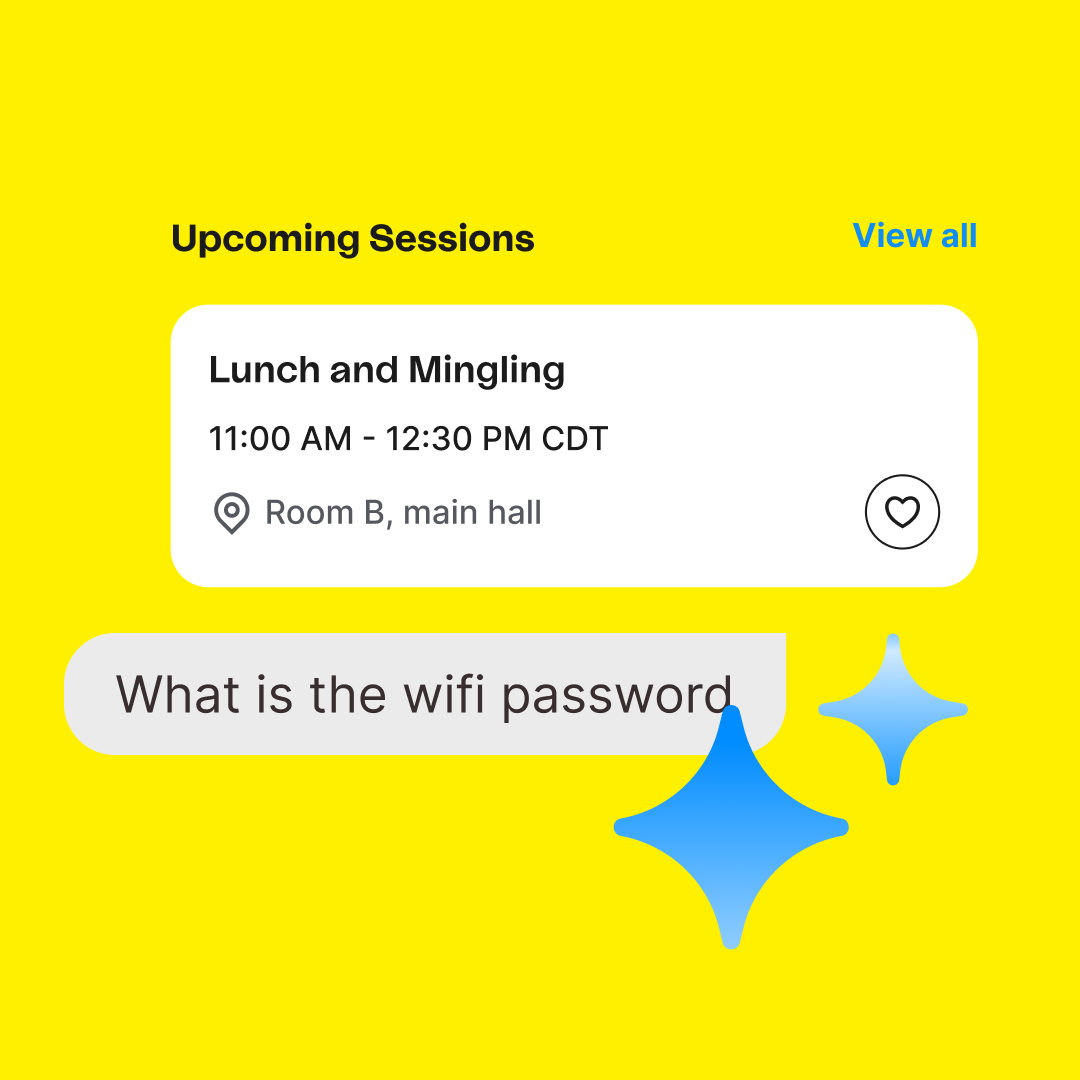
- Get answers to logistical questions like Wi-Fi, food, or transportation
Important guardrails
Equally important is what it does not do.
The most effective AI copilots are intentionally designed with a “human in the loop” approach, which intentionally includes constraints to ensure accuracy and trust:
- They are read-only, meaning they do not book meetings or modify schedules
- They do not analyze personal attendee data
- They only answer event-related questions
- They rely entirely on structured event data and knowledge base content
In practice, this means your copilot operates as a finder, not a doer.
Setting these expectations clearly improves both adoption and satisfaction.
Your knowledge base
One of the most important, and often overlooked, realities of AI copilots is this:
The quality of the experience is determined by the quality of the information you provide.
AI does not infer context the way humans do. It retrieves and assembles answers based on structured inputs. When those inputs are incomplete or poorly organized, the experience breaks down.
High-performing teams choose an AI copilot that has an option to create a knowledge base. They can use it as a strategic system, not just a content repository.
This mirrors how teams are increasingly using AI to scale execution across events. For example, in our article on scaling micro-events with AI, you can see how structured systems enable repeatability and efficiency.
What effective knowledge bases have in common
They are structured intentionally:
- One topic per section
- Clear, descriptive headers
- Self-contained answers
They use explicit language:
- Specific dates and times instead of relative terms
- Natural phrasing aligned with attendee questions
They prioritize relevance:
- Focus on real attendee needs
- Avoid unnecessary long-form content
They keep formatting simple:
- Clean, readable content optimized for retrieval
AI copilots are not magic. They are systems that reflect the clarity and completeness of your event information.
The 10 essential content types for your AI copilot
To build a copilot that improves the attendee experience, focus on content that reduces friction and supports real-time decisions.
Operational essentials
1. Onsite support information
Include support desk location, hours, and contact methods to reduce confusion and queues.
2. Parking and arrival logistics
Provide clear parking instructions, entry points, and validation details to improve first impressions.
3. Hotel and transportation details
Include hotel info and shuttle schedules so attendees can plan their day efficiently.
4. Safety, security, and emergency information
Make first aid, emergency contacts, and lost-and-found easy to access.
Venue and experience navigation
5. Venue amenities and facilities
Guide attendees to restrooms, food options, accessibility services, and charging stations.
6. Wi-Fi and connectivity guidance
Include Wi-Fi credentials and troubleshooting steps, one of the most common attendee needs.
Content and agenda discovery
7. Sessions and schedule navigation
Help attendees search and filter sessions by topic, speaker, or time.
Improving how attendees discover content directly impacts engagement and ROI. As highlighted in corporate event ideas to maximize engagement and ROI in 2026, engagement is one of the strongest drivers of measurable event outcomes.
Engagement and networking
8. Networking and attendee discovery
Networking remains a core reason people attend events, yet effectiveness has declined in recent years.
Provide:
- Ways to find relevant attendees
- Clear steps to connect
To support this, modern platforms are investing heavily in structured networking experiences. You can explore how this is evolving on our event networking page.
Event technology guidance
9. Event app usage and troubleshooting
Provide guidance on logging in, navigating features, and enabling notifications.
Clarify that the copilot provides guidance, while technical issues may require support.
Post-event continuity
10. Session recordings and future events
Help attendees access content after the event and stay engaged with future opportunities.
How this improves attendee experience and operations
When implemented thoughtfully, an AI copilot becomes a core layer of the event experience.
For attendees
- Faster access to information
- Less confusion
- Greater confidence navigating the event
- More time for meaningful engagement
For event teams
- Fewer repetitive questions
- More consistent information delivery
- Reduced operational pressure
- More focus on high-value interactions
AI copilots allow teams to scale attendee support without increasing headcount, a critical advantage in today’s environment.
How to measure success
AI copilots should be evaluated as operational systems.
Key metrics to track
Adoption rate
Percentage of attendees using the copilot
Resolution quality
Percentage of questions successfully answered
Attendee satisfaction
Feedback and response ratings
Operational impact
Reduction in support desk inquiries
Experience impact
Improvements in engagement and navigation
Why embedded AI copilots outperform standalone tools
Embedded copilots offer clear advantages.
Native access to event data: They use real-time event information for accurate responses
Unified experience: Everything lives within the event app
Reduced complexity: No need for additional tools or vendors
Scalable across events: Standardized systems enable consistency across your portfolio
To better understand how this fits into the broader ecosystem, this guide on building a modern event technology stack breaks down how leading teams are consolidating tools.
AI copilots are redefining how event experiences are delivered
AI copilots are becoming a foundational part of modern event experiences. Their success depends on intentional design, not just technology.
The most effective teams focus on:
- Structured, high-quality information
- Real attendee needs
- Scalable systems
As AI adoption accelerates, differentiation will come from how well teams connect data, experience design, and operational execution.
See how AI copilots are transforming event experiences at scale
See how leading event teams are using AI copilots to scale attendee support, reduce operational friction, and deliver more consistent event experiences.
Join the waitlist to explore Bizzy AI in your next event.
Event AI copilot FAQs: what event teams need to know
An in-app assistant that helps attendees find information, navigate events, and get real-time answers.
Focus on logistics, venue details, session navigation, networking, and app guidance.
It reduces friction and provides instant, reliable answers throughout the event.
No. It handles repeatable questions so staff can focus on high-value interactions.
Track adoption, resolution rates, satisfaction, and operational efficiency improvements.